




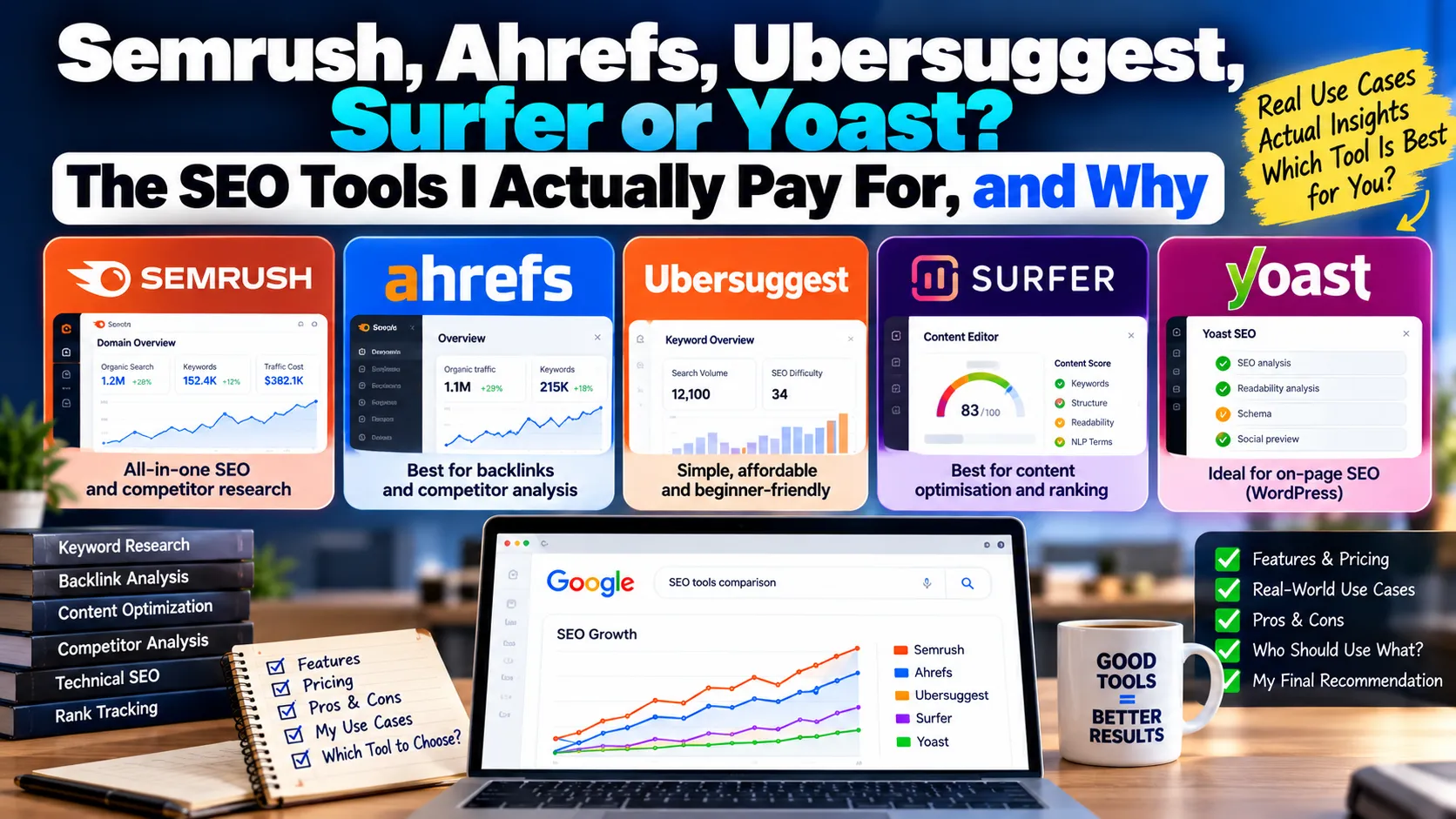
Every few weeks a student or a new client asks me, "Which SEO tool should I buy?" My answer always starts with a question back: "What job do you need it to do?"
SEO tools are not interchangeable. Some are great for research, some for auditing, some for writing. Buying the wrong one is how businesses end up paying monthly for a dashboard nobody opens. Here is how I think about the main tools people search for, based on using them across client work.
Quick answer: There is no single best SEO tool. Start with free Google Search Console and GA4, choose Semrush for all-round research or Ahrefs for backlinks, use Ubersuggest on a tight budget, Surfer for content briefs, Yoast for WordPress and Screaming Frog for technical audits.
Table of contents
- Start with the free tools Google gives you
- Semrush: the all-rounder
- Ahrefs: the backlink specialist
- Ubersuggest: the budget option
- Surfer SEO: the content optimiser
- Yoast SEO: the WordPress helper
- Screaming Frog SEO Spider: the auditor's crawler
- Free tools: Small SEO Tools, SEO Site Checkup and friends
- My recommendation by business type
- The tool matters less than the person
Start with the free tools Google gives you
Before spending anything, set up Google Search Console and Google Analytics 4. Search Console is the only tool that shows real data from Google: the queries you appear for, your clicks, your indexing status and your Core Web Vitals. Every third-party tool estimates. Search Console reports.
When a paid tool and Search Console disagree about your traffic, believe Search Console.
Semrush: the all-rounder
Best for: businesses and agencies that want keyword research, competitor analysis, site audits, rank tracking and some PPC data in one place.
Semrush covers more ground than any other single tool I use. Its keyword database is large, its competitor research is strong, and its site audit is a decent first pass. It also includes advertising research, which helps when SEO and Google Ads need to work together.
Where it falls short: the interface packs in so much that beginners get lost. Its traffic estimates for smaller Indian sites can be well off, because it estimates from keyword rankings rather than real visits.
Ahrefs: the backlink specialist
Best for: link analysis, content gap research and understanding why competitors rank.
Ahrefs built its name on backlink data, and that is still where I trust it most. When I want to know which sites link to a competitor, which of their pages attract links, or which of our links were lost, Ahrefs is my first stop. Its Content Gap feature is excellent for finding topics competitors rank for and you don't.
Where it falls short: pricing is steep for small businesses, and usage limits on lower plans can feel tight. Like all third-party tools, its traffic numbers are estimates.
Semrush or Ahrefs? If you can only have one, pick Semrush for breadth or Ahrefs for link-led SEO. Most agencies, including ours, end up using both for different jobs.
Ubersuggest: the budget option
Best for: small business owners and freelancers who want keyword ideas and basic audits without a big subscription.
Ubersuggest is simpler and cheaper than the big two. For a local business owner who wants to see what people search for and get a basic site check, it does the job.
Where it falls short: the data is thinner, especially for Indian long-tail and regional queries. I would not rely on it for competitive categories or deep backlink work.
Surfer SEO: the content optimiser
Best for: writers and content teams who want guidance on what to cover in an article.
Surfer analyses the top-ranking pages for a keyword and suggests terms, headings, length and structure. For writers new to SEO, it is a useful checklist.
Where it falls short: it can push writers to copy what already ranks, chasing a content score rather than adding something new. I treat its suggestions as hints, not targets. A page that scores 95 but says nothing original will not stand out to Google or to AI search.
Yoast SEO: the WordPress helper
Best for: WordPress sites that need basic on-page controls.
Yoast handles titles, meta descriptions, XML sitemaps, canonical tags and basic schema without code. For most WordPress sites, an SEO plugin like Yoast or a similar alternative is essential.
Where it falls short: the green-light readability and keyword scores. I have seen writers twist sentences to hit a "focus keyphrase" count. Turn off the traffic lights mentally and use Yoast for what it does well: technical settings.
Screaming Frog SEO Spider: the auditor's crawler
Best for: technical SEO audits.
Screaming Frog crawls your site the way a search engine would and lists every URL with its status code, title, canonical, headings, internal links and more. The free version covers up to 500 URLs. For anyone doing technical SEO seriously, it is non-negotiable.
Where it falls short: it shows data, not priorities. You need to know what you are looking at.
Free tools: Small SEO Tools, SEO Site Checkup and friends
Best for: quick one-off checks, such as a single page's meta tags or a plagiarism scan.
These free sites are popular and convenient. Use them for quick checks, but do not treat their scores as a measure of how well your site will rank. Most test one page against a fixed checklist and cannot see what Google actually thinks of it.
Browser extensions like Detailed SEO and SEO META in 1 Click are also handy for checking a page's tags while you browse.
My recommendation by business type
| You are | Start with | Add later |
|---|---|---|
| Local business owner | Search Console, Google Business Profile, Ubersuggest | A crawler for site checks |
| Freelancer or small agency | Search Console, Screaming Frog, Semrush | Ahrefs for link work |
| In-house content team | Search Console, Semrush or Ahrefs | Surfer for writer briefs |
| WordPress site owner | Search Console, Yoast or similar plugin | Screaming Frog |
The tool matters less than the person
I have seen people do excellent SEO with Search Console and a free crawler, and poor SEO with every premium subscription. Tools give you data. Knowing which data matters, and what to do about it, is the actual skill.
That is also why the tools above struggle with the newest part of search: whether AI Overviews, ChatGPT and Perplexity mention your brand. Most tools are adding AI visibility tracking, but none of them can make your content more trustworthy or citable for you.
If you want to learn these tools hands-on, our training programme covers Search Console, GA4 and audit workflows with live projects. If you would rather have a team use them on your behalf, talk to us about our SEO services.


