




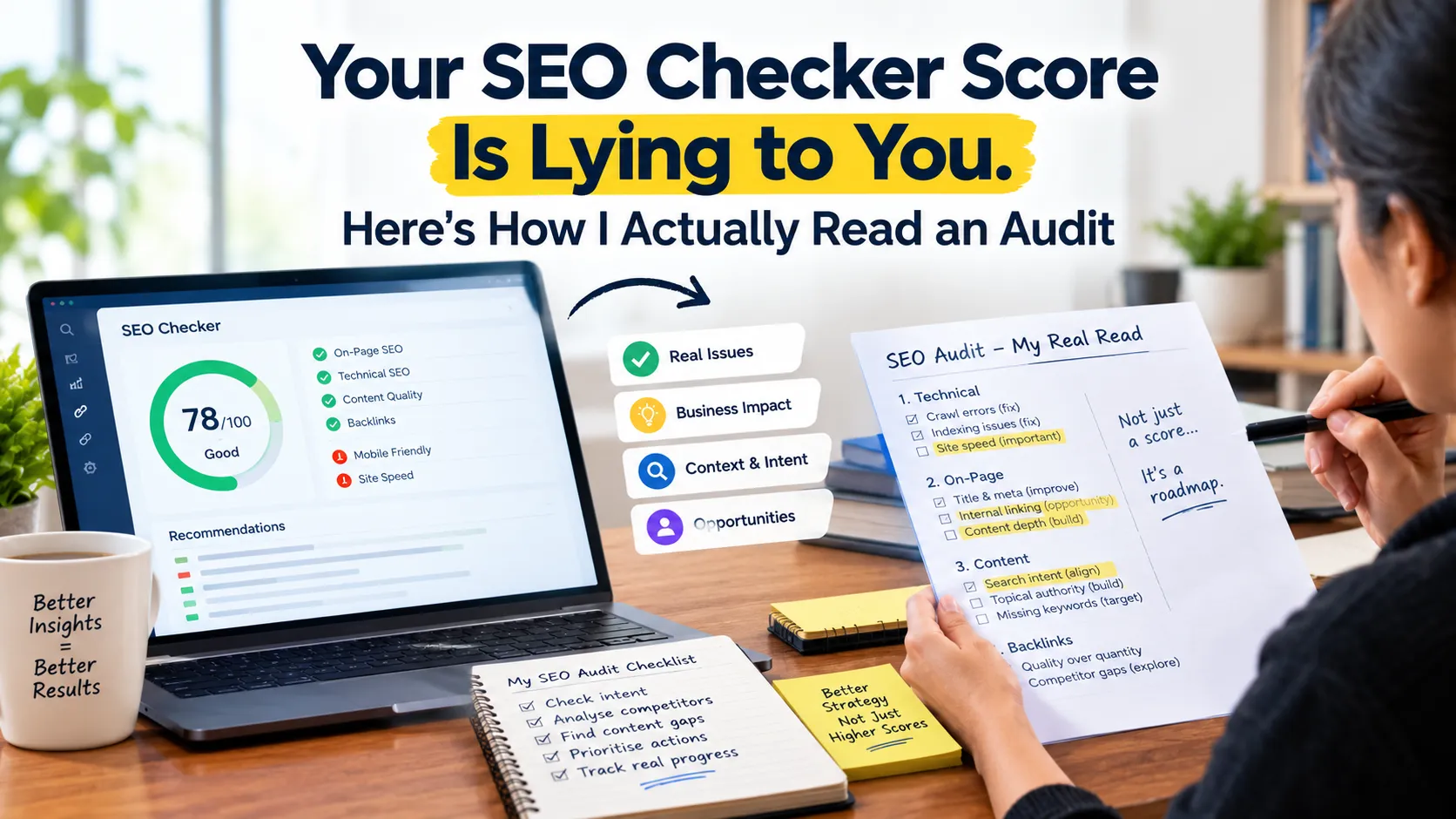
One of the most common messages I get from new clients is a screenshot of an SEO checker report with a proud note: "92 out of 100!" Often, the same email asks why organic leads have been sliding for months. Both things can be true at once. That is the problem with SEO checker scores.
Searches for "SEO checker" are among the highest-volume SEO queries in India right now, and still growing. People clearly want a quick answer to "Is my site okay?" The tools give one. It just isn't always the right one.
Here is how I read these reports after years of doing audits, which warnings I ignore, and what I check instead.
Quick answer: An SEO checker score only shows how well one page follows a fixed checklist. It cannot see indexing, search intent or competitors. Ignore the overall number, fix indexing, redirect, canonical and robots.txt errors first, and confirm your key pages are indexed in Google Search Console.
Table of contents
- What an SEO checker actually measures
- Warnings I usually ignore
- The five checks that actually move traffic
- The tools I actually use, and for what
- How to read your report in ten minutes
- Why this matters more in 2026
- Want a real audit?
What an SEO checker actually measures
Most free website SEO checkers, such as Small SEO Tools, SEO Site Checkup and SEOptimer, scan one page and test it against a fixed list of rules. Does it have a title tag? Is the meta description the "right" length? Are there H1 tags? Do images have alt text? Is the page served over HTTPS?
Each test passes or fails, and the tool turns that into a score.
The score measures how well one page follows a checklist. It does not measure whether Google values that page. It cannot see your Search Console data, your competitors, search intent or whether your content is any good. A perfectly tagged page about the wrong topic still scores 95.
Paid suites like Semrush and Ahrefs go further. They crawl the whole site, track rankings and estimate backlinks. They are far more useful, but their "site health" scores still weight every issue by count rather than by impact.
Warnings I usually ignore
These show up in almost every report I review. On most sites, they barely matter.
- "Meta description too long or short." Google rewrites a lot of descriptions anyway. Write a useful one and move on.
- "Low word count." A contact page does not need 1,000 words. Length is not a ranking factor in itself.
- "Low text-to-HTML ratio." Modern sites carry a lot of code. This number tells you almost nothing.
- "Missing meta keywords." Google has ignored this tag for many years.
- "Multiple H1 tags." Not ideal for structure, but rarely the reason a page fails to rank.
- "Title too long." Worth a look on key pages, not worth a sprint.
I am not saying these never matter. I am saying that if your team spends a week fixing them while real problems sit untouched, the score goes up and traffic does not.
The five checks that actually move traffic
When I audit a site, these come first. Most free checkers do not cover them properly.
1. Are your important pages indexed? Open the Pages report in Google Search Console. Look at "Crawled – currently not indexed" and "Discovered – currently not indexed". If your service or product pages are sitting there, nothing else on this list matters until that is fixed.
2. Are canonicals and redirects doing what you think? I regularly find sites where key pages point their canonical tag at the wrong URL, or where old URLs pass through redirect chains. A crawler like Screaming Frog SEO Spider shows this in minutes. The free version crawls up to 500 URLs, which covers most small business sites.
3. Does your internal linking reach the pages that make money? If your best service page is linked only from the footer, Google has little reason to treat it as important. Screaming Frog's crawl depth and inlinks data make this easy to see.
4. How do real users experience the site? Lab speed scores vary from test to test. The field data in Search Console's Core Web Vitals report reflects what actual visitors experienced. On Indian mobile networks, a heavy page builder theme often fails here even when lab scores look fine.
5. Does each page match what the searcher wants? No tool scores this. Search your target query, look at what ranks, and compare honestly. If Google shows comparison guides and your page is a sales pitch, no amount of tag fixing will close that gap.
The tools I actually use, and for what
I keep the stack small.
| Tool | What I use it for |
|---|---|
| Google Search Console | Indexing, real queries, clicks, Core Web Vitals field data |
| Screaming Frog SEO Spider | Full crawls: status codes, canonicals, redirects, internal links |
| Semrush or Ahrefs | Competitor gaps, backlinks, rank tracking |
| Detailed SEO / SEO META in 1 Click (browser extensions) | Quick on-page checks while browsing |
| Free SEO checkers | A fast first look at a single page, nothing more |
Google Search Console is the only one that shows you data from Google itself. Everything else is an estimate. When a third-party tool and Search Console disagree, I trust Search Console.
How to read your report in ten minutes
If you have an SEO checker report open right now, try this.
- Ignore the overall score.
- Find anything marked as an error that relates to indexing, status codes (4xx, 5xx), redirects, canonicals or robots.txt. Fix those first.
- Check whether the pages listed are pages that matter to your business. A broken link on a 2019 blog post is low priority. A broken link on your pricing page is not.
- Put cosmetic warnings into a backlog and handle them when you next edit those pages.
- Open Search Console and confirm your key pages are indexed and receiving impressions.
That takes ten minutes and gives you a better picture than most automated scores.
Why this matters more in 2026
With AI Overviews and AI Mode answering more queries directly, the gap between "technically clean" and "actually useful" has grown. Google's AI features pull passages from pages that answer questions clearly. A page can pass every checker test and still never be cited, because it says nothing specific.
Technical health is the entry ticket, not the prize. Fix what blocks Google from finding and understanding your pages. Then put most of your effort into content that deserves to rank.
Want a real audit?
A score is a starting point. If you want to know why traffic is flat despite a good score, our team runs technical SEO audits that combine a full crawl with your Search Console data and a competitor review. You get a prioritised list of what to fix, ranked by expected impact rather than by the number of warnings.


