




When clients first open Google Analytics 4, most of them close it again within five minutes. I understand. GA4 has hundreds of reports, a dozen ways to slice the same data, and labels that change every few months.
The good news is that for SEO, you only need a handful of them. These are the reports I check every month for client sites, and the setup steps that make them trustworthy.
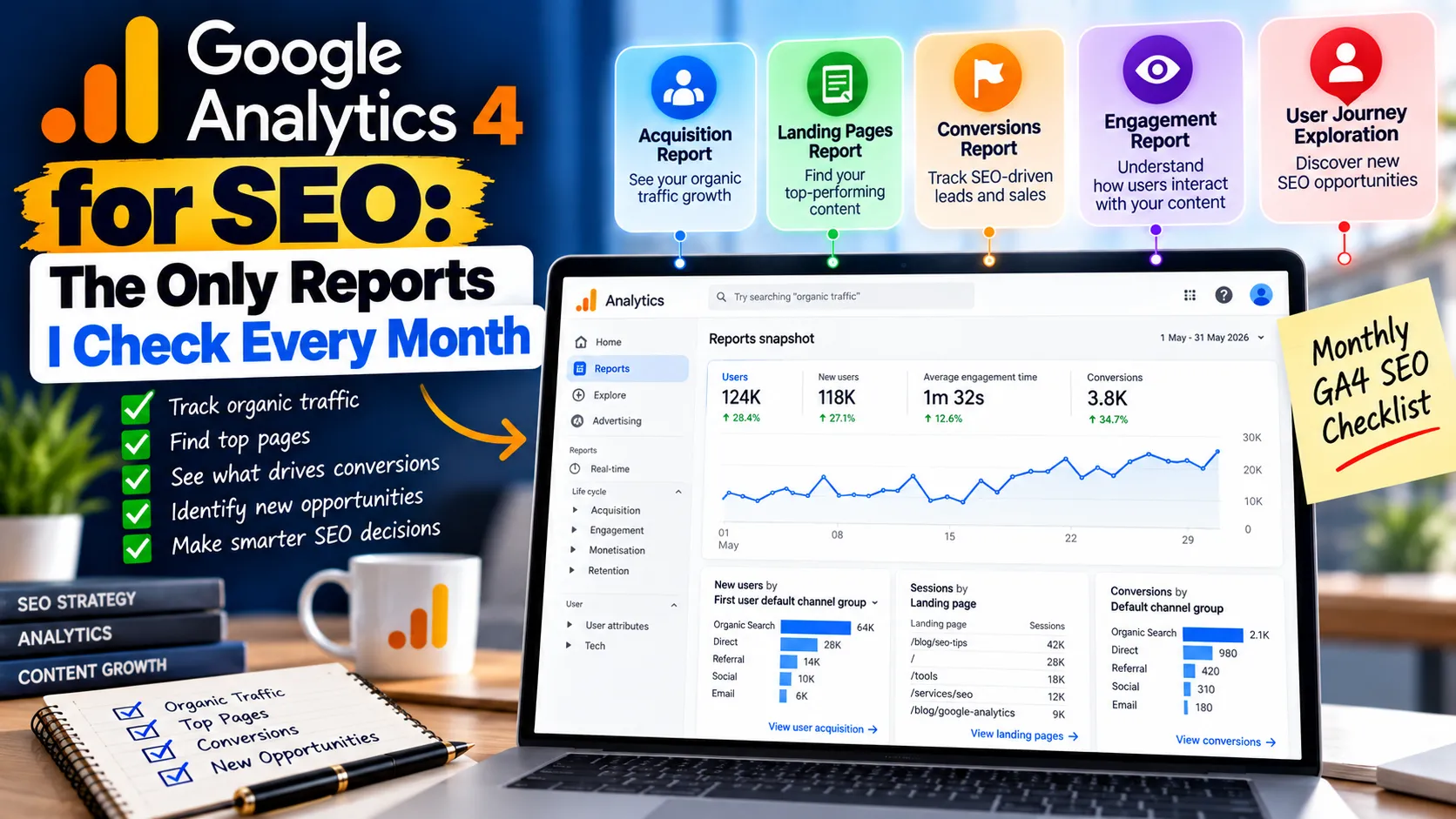
Quick answer: To use Google Analytics for SEO, link Search Console to GA4, set up key events and extend data retention, then check six reports monthly: organic traffic acquisition, organic landing pages, Search Console queries, key events by landing page, AI assistant referrals and engagement on key pages.
Table of contents
- First: Search Console and GA4 answer different questions
- Setting up Google Analytics for SEO: steps most sites skip
- Report 1: Traffic acquisition, filtered to Organic Search
- Report 2: Landing pages from organic search
- Report 3: Search Console queries inside GA4
- Report 4: Key events by landing page
- Report 5: AI search referrals
- Report 6: Engagement on key pages
- What GA4 cannot tell you about SEO
- My monthly SEO check in 20 minutes
First: Search Console and GA4 answer different questions
People often mix these up, so let me be clear.
Google Search Console tells you what happens before the click: which queries you appear for, your impressions, clicks, average position and click-through rate.
Google Analytics 4 tells you what happens after the click: how long visitors stay, which pages they read, and whether they become leads or customers.
You need both. Search Console shows whether SEO is bringing people. GA4 shows whether those people are worth having.
Setting up Google Analytics for SEO: steps most sites skip
Before any report is useful, check these four settings. I find at least one of them wrong on most new client accounts.
- Link Search Console to GA4. In Admin, under Product links, add your Search Console property. This brings query and landing page data into GA4. You may need to publish the Search Console report collection in the Library before the reports appear in the menu.
- Set up key events. GA4 calls conversions "key events". Mark your form submissions, phone clicks, WhatsApp clicks and purchases as key events. Without them, you can only measure visits, not results.
- Extend data retention. By default, GA4 keeps detailed user-level data for two months. In Admin, under Data retention, change it to 14 months so your explorations can compare year on year.
- Exclude internal traffic. Filter out visits from your own office and team, otherwise your own browsing skews engagement data.
Report 1: Traffic acquisition, filtered to Organic Search
Go to Reports, then Acquisition, then Traffic acquisition. The default view groups sessions by channel. Look at the Organic Search row.
What I check: sessions, engaged sessions, engagement rate and key events from organic search, compared with the previous period and the same month last year. Year-on-year matters because most Indian businesses have strong seasonality around festivals and financial year-end.
Report 2: Landing pages from organic search
In Reports, open Engagement, then Landing page. Add a filter or comparison for the Organic Search channel.
This shows which pages bring people in from Google, and what those visitors do next. It is the report that tells me where to focus. A blog post with lots of organic sessions but no key events needs a better call to action. A service page with high conversions but low traffic needs more SEO work.
Report 3: Search Console queries inside GA4
Once Search Console is linked, you get a Queries report and a Google organic search traffic report. The first shows the search terms that brought clicks. The second joins landing pages with Search Console data and GA4 engagement in one table.
I use the second one most. It answers the question: "For this page, how many clicks did Google send, and how engaged were those visitors?"
Report 4: Key events by landing page
Create a simple Exploration: landing page as the row, session default channel group as a filter set to Organic Search, and your key events as the values.
This is the report I show business owners, because it connects SEO to enquiries. Rankings are nice. Leads pay salaries.
Report 5: AI search referrals
This one is new for most teams. Visitors who click a link in ChatGPT, Perplexity, Gemini or Copilot usually arrive as referral traffic from those domains.
Go to Traffic acquisition, switch the dimension to Session source, and look for sources such as chatgpt.com, perplexity.ai and gemini.google.com. Better still, create a custom channel group in Admin that puts these sources into an "AI assistants" channel. Then you can track it month by month like any other channel.
Traffic from Google's own AI Overviews and AI Mode is counted within Google organic search, so it does not appear separately here. For that side, Search Console's AI impressions data is the better signal, as we explained in our post on AI impressions in Search Console.
Report 6: Engagement on key pages
For your top ten organic landing pages, check average engagement time and engagement rate. A page with high traffic and very low engagement may be ranking for the wrong intent, or failing to answer the question quickly.
I pair this with a quick look at the page itself on a mobile phone. Most engagement problems on Indian sites are visible within ten seconds: slow loading, pop-ups and walls of text.
What GA4 cannot tell you about SEO
GA4 does not show rankings, impressions, indexing problems or crawl errors. It also undercounts some traffic: visitors who decline cookies or use blockers, and some Discover visits that arrive without clear referrer data. For those, Search Console is the source of truth.
When the two tools disagree on numbers, do not panic. They count differently. Search Console counts clicks; GA4 counts sessions. A small gap is normal. A big, sudden gap usually means a tracking problem, such as the GA4 tag missing from some templates.
My monthly SEO check in 20 minutes
- Search Console: clicks, impressions and position trend for the month.
- GA4 Traffic acquisition: organic sessions and key events, month on month and year on year.
- GA4 Google organic search traffic report: top landing pages and their engagement.
- GA4 Exploration: key events by organic landing page.
- GA4 AI assistants channel: sessions and key events.
- Note three actions for next month based on what you saw.
The last step matters most. A report nobody acts on is just a screenshot.
If your GA4 setup is messy, or you want a ready-made SEO dashboard, our team can set it up as part of our SEO services. For a deeper look at reporting, see our guide on building an SEO dashboard.


