




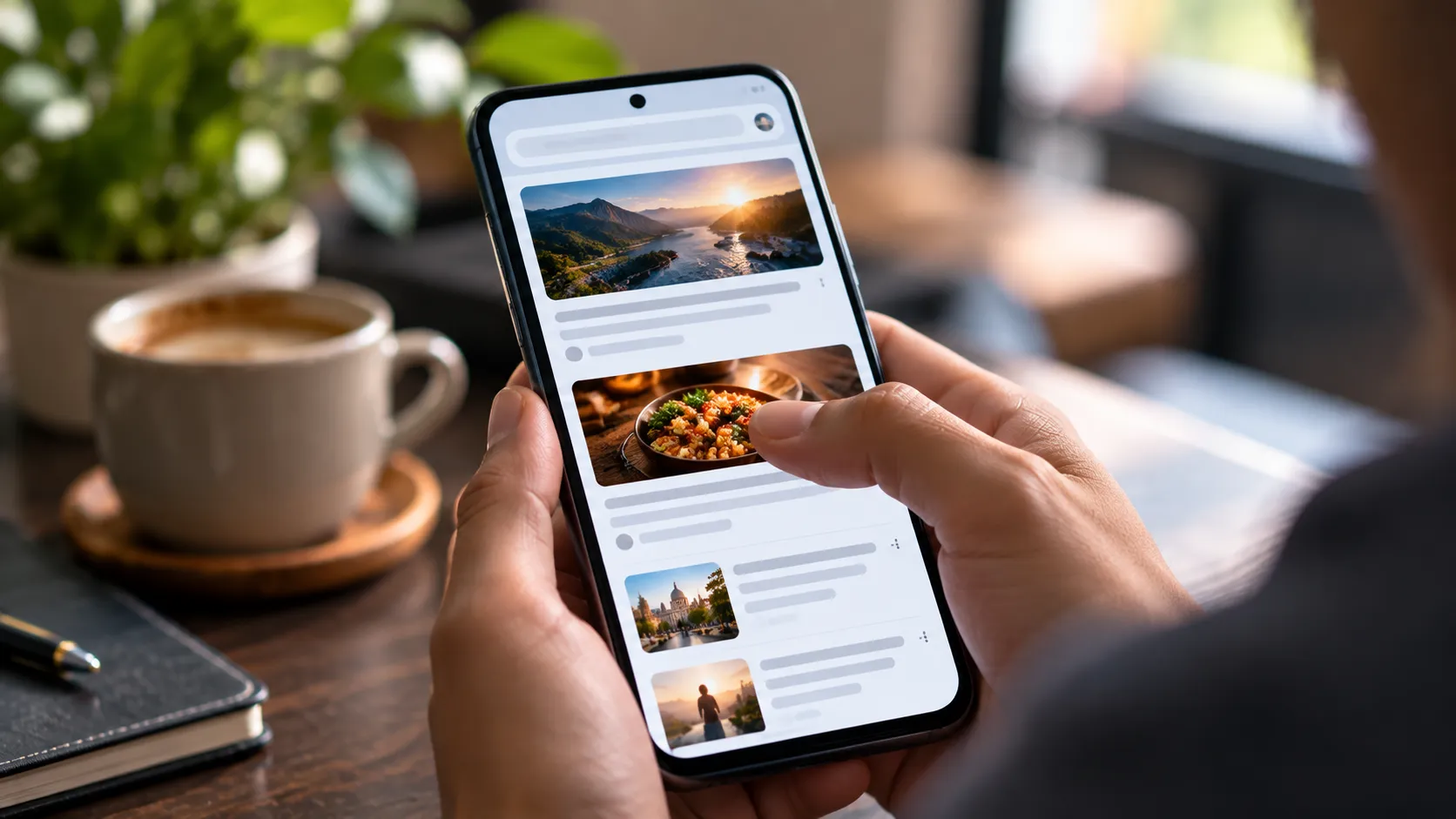
The first time one of my articles took off on Google Discover, I was surprised. It wasn’t my most keyword-optimized article or the one with the longest research. It simply had a strong image, an honest headline, and something useful to say.
That taught me an important lesson: Discover isn't the same as traditional Google Search.
Search responds to queries. Discover recommends content based on users' interests, which means keywords alone aren't enough.
What Actually Works for Discover?
1. Use strong images
Your featured image matters. Google recommends high-quality images that are at least 1200px wide. I now treat the main image as part of the content, not an afterthought.
Check Google's Discover documentation for the latest image requirements.
2. Write honest headlines
A headline should create curiosity without misleading the reader. Clickbait may earn clicks temporarily, but it doesn't create a good experience.
3. Deliver value quickly
Don't spend five paragraphs explaining what the article will discuss. Give readers something useful in the opening section.
4. Keep content fresh
Freshness doesn't always mean publishing something new. Updating old articles with current examples, statistics, screenshots, and images can make them useful again.
5. Add first-hand experience
Instead of rewriting information found everywhere else, share what you actually tested, changed, learned, or experienced. That's what gives an article something unique.
6. Make the page mobile-friendly
Discover traffic is heavily mobile-oriented, so readability and page speed matter. I use Google PageSpeed Insights to check performance and Google Search Console to monitor search and Discover performance.
My Quick Discover Checklist
- Is the headline accurate and interesting?
- Is the featured image high-quality and at least 1200px wide?
- Is
max-image-preview:largeenabled? - Does the introduction deliver value quickly?
- Is the content genuinely useful or original?
- Is the page easy to read on mobile?
- Have outdated information and images been updated?
For the complete version of this checklist, read My Pre-Publish Discover Checklist.
And once the technical basics are ready, don't ignore presentation. I also recommend reading Formatting Tweaks That Actually Boosted My Discover Traffic.


