




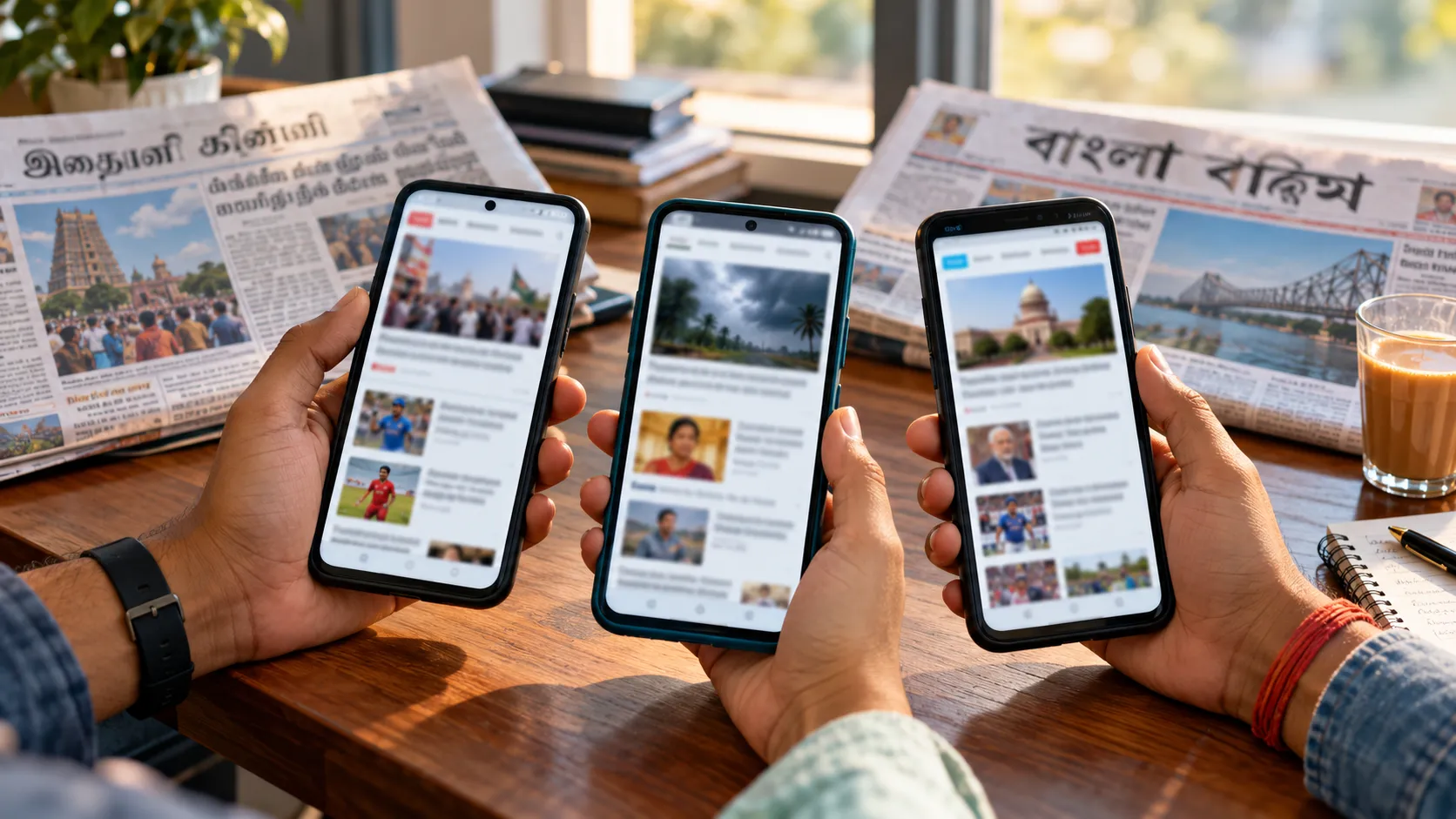
Regional-language Discover is the biggest open authority gap in Indian publishing. Readers in Chennai, Hyderabad and Pune scroll Discover every day, yet many publishers still feed them translated English copy with stock images. This playbook gives you nine steps to fix that, from site structure to the headline on the card.
It is written for editors and SEO leads running Tamil, Telugu or Marathi sites or editions. The same steps apply to Kannada, Malayalam, Bengali and Punjabi.
Why the timing is right
Two things changed in 2026. Google's February Discover core update set out to show more content from sites in the reader's own country, cut clickbait, and favour original, expert, timely work. And on 29 September, Marfeel added Discover monitoring for seven Indian languages, so publishers can finally measure results per language.
Step 1: Give each language its own edition
Put every language in its own URL space: example.com/ta/, /te/, /mr/, or ta.example.com. Never mix two languages on one page or swap language with cookies or scripts. One clear language per URL makes Discover data easy to split and signals which audience the page serves.
Step 2: Set hreflang and self-canonicals correctly
When the same story exists in several languages, link the versions with hreflang (ta-IN, te-IN, mr-IN, en-IN, plus x-default). Each version must canonical to itself, not to the English page. Pointing a Tamil page's canonical at English tells Google the Tamil page is a duplicate, which can keep it out of Discover.
Step 3: Report locally, don't just translate
Original reporting is what Discover now rewards. Build at least half of each edition's output around stories only a local desk can file: district news, state policy explained for residents, regional cinema, local weather and exams. Translated national stories can fill gaps, but they should not be the core.
Step 4: Shoot original images
The card image drives the click. Use original photos, 16:9, at least 1200 px wide, and set max-image-preview:large in your robots meta tag. Put the same image in og:image. Avoid logos, stock handshakes and images covered in text. A phone photo of the actual market, stadium or flood-hit street beats a polished stock shot.
Step 5: Show in-language authors with real credentials
Give every story a named author who writes in that language. Each author needs a bio page listing their beat, city, years of experience and past work. Mark it up with Person schema and link it from the byline. "Web Desk" bylines tell Google and readers nothing about expertise.
Step 6: Write native headlines, not translated ones
Write the headline in the language first; do not translate the English headline. Keep it specific: name the place, the number or the person. Avoid curiosity gaps such as "you won't believe" in any language, because the 2026 update explicitly targets sensational headlines. Test two versions per story and keep what wins.
Step 7: Avoid machine-only pages
AI and machine translation can speed up a first draft. They cannot publish alone. Every page needs a native editor to fix tone, idioms, names and facts. Script errors, English word order and wrong honorifics are obvious to native readers, and they lower engagement fast.
Step 8: Get the technical basics right for Indian Android users
Most Discover readers in India use mid-range Android phones on mobile data. Load web fonts for Tamil, Telugu and Devanagari with font-display: swap, compress images to WebP or AVIF, and pass Core Web Vitals on mobile. Avoid full-screen pop-ups; they hurt page experience.
Step 9: Measure per language and act monthly
Split Search Console Discover data by language folder or property. Track clicks, CTR and top topics per edition. Once a month, move reporter time toward the topics and formats that earn cards, and retire the ones that do not.
Language-specific tips
Each of the three markets has its own habits. Treat these as starting points and let your own Discover data confirm them.
- Tamil: Readers follow state politics, Kollywood and cricket closely, and the Sri Lankan and Gulf diaspora adds a second audience. Use proper Tamil spellings of place names, not English transliterations, in headlines.
- Telugu: Two states mean two news agendas. Split Andhra Pradesh and Telangana coverage clearly, and name the city or district in the headline so the story reaches the right readers.
- Marathi: Mumbai and Pune dominate traffic, but district towns such as Nashik, Nagpur and Kolhapur are under-served. Local civic and weather stories from these districts are an easy original-reporting win.
A 90-day rollout plan
- Days 1–30: Fix the foundation. Separate language URLs, correct hreflang and canonicals, set max-image-preview:large, and create bio pages for every in-language author.
- Days 31–60: Change the content mix. Move at least half of daily output to original local stories with original photos. Train editors to write headlines natively.
- Days 61–90: Measure and adjust. Compare Discover clicks and CTR per edition against your day-1 baseline. Double down on the topics and formats that earned cards; drop the rest.
Discover traffic is volatile, so judge progress over the full 90 days, not week by week.
Common mistakes to avoid
- Auto-translating the whole English site and publishing it unchecked
- Using one stock image across all language versions of a story
- Pointing regional canonicals to the English page
- Writing clickbait headlines to chase short spikes
- Mixing English and regional-language content on the same URL
Quick checklist before you hit publish
- Page is in one language, in its own folder or subdomain
- hreflang set; canonical points to itself
- Story has original local reporting or a clear local angle
- Original 16:9 image, 1200 px+ wide, no text on it
- Named in-language author with a bio page
- Headline written natively, specific, no clickbait
- Native editor has reviewed the full text
- Page passes Core Web Vitals on mobile
To see which numbers to track across all seven languages, read what regional publishers should track in Discover.
Related reading: Google Discover optimization in 2026 and our Google Discover checklist.
Sources: Google Search Central: Get on Discover, February 2026 Discover core update, Marfeel.


