




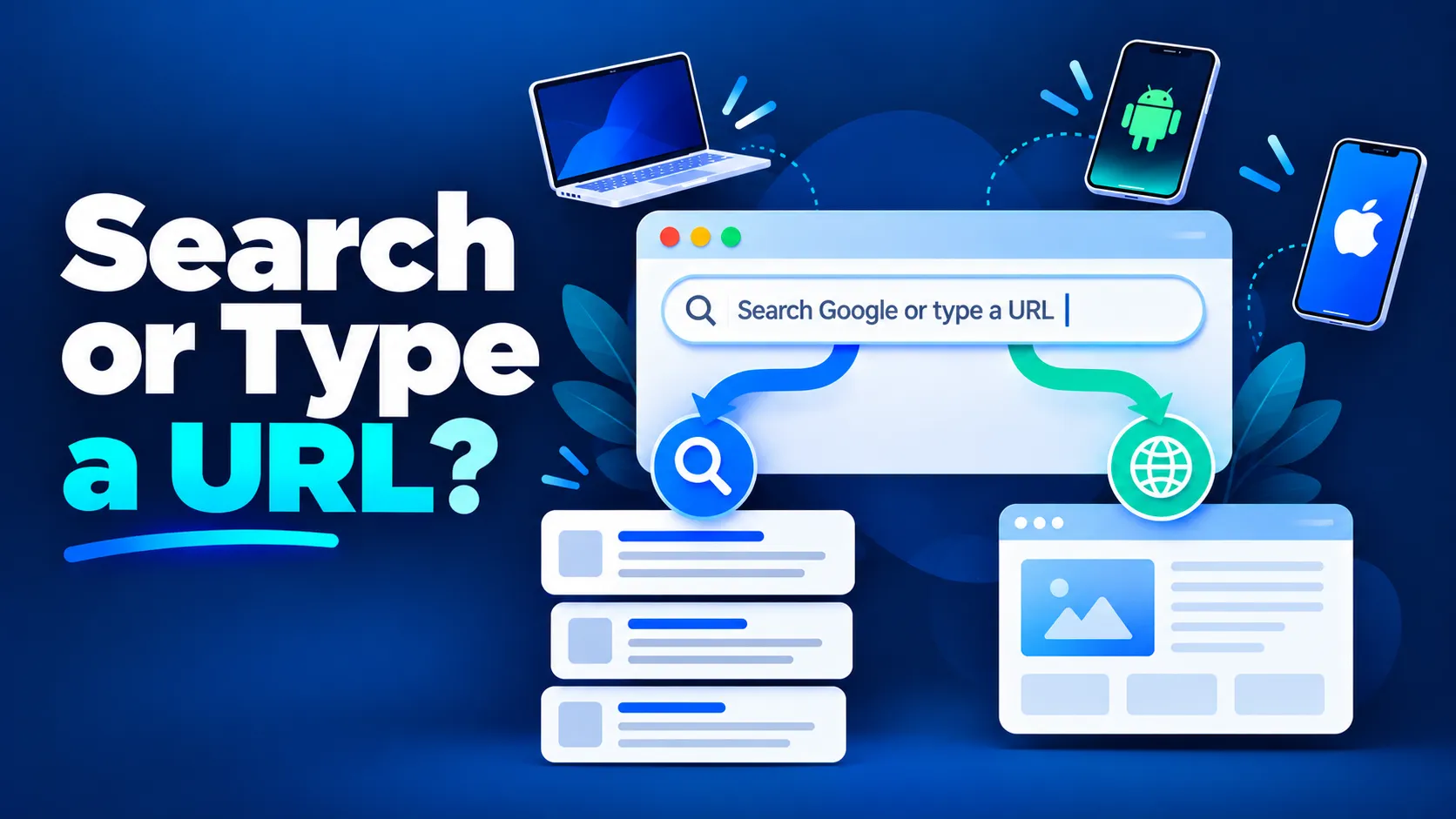
You see this line every time you open a new tab in Chrome. Most people use it dozens of times a day without thinking about it. But knowing how it works, and when to search versus when to type a URL, makes browsing faster and safer. It also matters for how customers find businesses online.
This is Part 1 of our 2-part guide. Here we explain what the message means, the difference between searching and typing a URL, and how to use it on a computer, Android and iPhone. In Part 2 we cover shortcuts, safety tips, changing your search engine and fixes when it stops working.
What does "Search Google or type a URL" mean?
The message has two parts:
- "Search Google" — type any question, word or phrase and press Enter. Chrome sends it to Google (or whichever search engine you've set) and shows search results.
- "or type a URL" — URL means Uniform Resource Locator, the address of a website such as https://www.cliczeo.com or just cliczeo.com. Type a full address and Chrome skips the search and opens that website directly.
Chrome works out which one you want. If what you type looks like a web address (it has a domain ending such as .com, .in or .org), Chrome treats it as a URL. Anything else is treated as a search.
Chrome officially calls its address bar the Omnibox, because it does everything in one box: search, open websites, show your history and bookmarks, and even do quick calculations.
On some devices the text is slightly different. Chrome on Android shows "Search or type web address" and Chrome on iPhone shows "Search or type URL". They all mean the same thing.
Searching vs typing a URL: what's the difference?
| Searching | Typing a URL | |
|---|---|---|
| What you type | Words or a question, e.g. digital marketing agency in Noida | An exact address, e.g. cliczeo.com |
| What happens | Google shows a page of results to choose from | Chrome opens that one website directly |
| Best when | You don't know the exact website, or want to compare options | You know exactly where you want to go |
| Speed | One extra click | Fastest |
| Risk | Low: you pick from Google's results | A typo can take you to a fake look-alike site |
Example: you want to visit your bank's website. If you know the address exactly, type it. If you're not sure of the spelling, search the bank's name and click the official result, so you don't land on a look-alike site.
How to use "Search Google or type a URL" (step by step)
On a computer (Windows or Mac)
- Open Google Chrome. Click the + at the top to open a new tab.
- You'll see the Google logo with a box underneath saying "Search Google or type a URL". The address bar at the very top works the same way.
- To search: type your question, e.g. how to improve website speed, and press Enter.
- To open a website: type the address, e.g. cliczeo.com, and press Enter. You don't need to type https:// or www.; Chrome adds them.
- As you type, Chrome shows suggestions below the box. Use the arrow keys or your mouse to pick one.
On Android
- Open the Chrome app.
- Tap the bar at the top that says "Search or type web address".
- Type your search or the website address and tap the Enter/Go key on the keyboard.
- Tap the microphone icon to search by voice, or the Google Lens (camera) icon to search with a photo.
On iPhone or iPad
- Open the Chrome app.
- Tap the bar that says "Search or type URL" (at the top or bottom, depending on your settings).
- Type your search or the website address and tap Go.
- In Safari, the equivalent bar says "Search or enter website name" and works the same way.
What this means for your business
Every customer's journey to your business starts in this box. They either:
- Type your URL directly. This only happens if they already know your brand, so strong branding and a short, memorable domain matter.
- Search for what they need, such as CA firm near me or best gym in Sector 18 Noida. This is where most new customers come from, and where SEO decides whether they find you or a competitor.
The box is also changing. When people type a question, Google often answers it directly with an AI Overview, so fewer people click through to websites. We cover this in our guide to zero-click searches. To be the brand those answers mention, your content has to be structured for AI search, which is what Answer Engine Optimization (AEO) does.
For local businesses, searches with "near me" or a city name typed into this box usually show a Google Maps listing first. A complete Google Business Profile and local SEO put you in that map pack.
Want to know what customers see when they search for your business? ClicZeo offers a free visibility audit covering Google and AI search. Book your free audit →
Next: Part 2 → Learn 8 time-saving address bar shortcuts, how to stay safe from fake URLs, how to change your search engine, and what to do when the box stops working. Read Part 2: Search Google or Type a URL Not Working? Fixes & Tips
Conclusion
"Search Google or type a URL" means one box does two jobs: search the web, or go straight to a website. Type an address when you know it, and search when you don't. Continue with Part 2 for shortcuts, safety tips and fixes.


