




Google algorithm updates can create uncertainty for website owners, publishers and SEO teams. When impressions fall or Discover traffic suddenly disappears, the first reaction is often to make immediate changes. But reacting without sufficient data can make an already difficult situation harder to diagnose.
Google announced its September 2026 spam update on 24 September. The rollout applies globally and to all languages, and Google's Search Status Dashboard stated that it could take up to two weeks to complete.
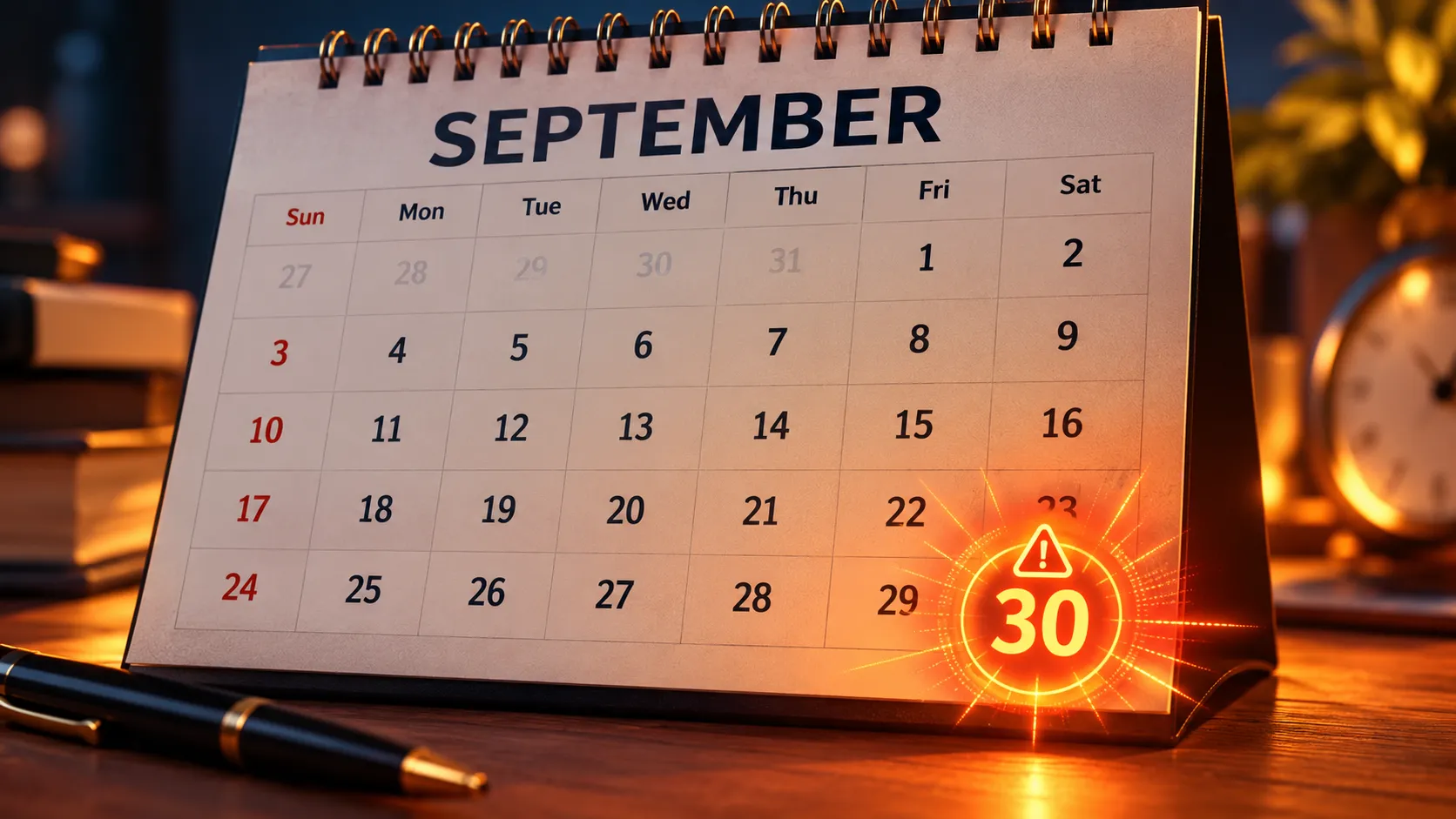
On 30 September, fresh reports of ranking volatility appeared across the SEO community. Search Engine Roundtable reported a second wave of activity, with site owners describing noticeable traffic declines.
However, reported ranking changes do not automatically establish that every affected website was penalized by the update. Understanding the timeline and examining your own Search Console data are essential before deciding what to do next.
Google September 2026 Spam Update: Complete Timeline
The reported timeline provides useful context for analyzing changes in organic search and Discover performance.
Date | Event | What It Means |
24 September 2026 | Google announced the spam update | Global rollout began, with a possible two-week duration |
25–27 September 2026 | Early reported impact | SEO professionals discussed ranking volatility |
28–29 September 2026 | Continued monitoring | Site owners compared performance changes |
30 September–1 October 2026 | Fresh reports of volatility | Another period of reported declines and Discover fluctuations |
2–8 October 2026 | Expected completion window | Monitor the official dashboard for confirmation |
Google's official announcement confirms the rollout start and expected duration. The dates associated with the reported impact windows come from industry observations rather than Google's confirmation of separate technical phases.
For additional context, read our related coverage of Google's September 2026 spam update announcement.
What Happened on 30 September?
On 1 October, Search Engine Roundtable reported fresh volatility associated with the September spam update.
SEO professional Glenn Gabe shared observations from website owners who reported significant declines beginning on 30 September. The discussion also included changes in visibility for Reddit's AI-translated pages.
At the same time, WebmasterWorld community discussions highlighted reported fluctuations in Google Discover and News traffic.
These observations are worth monitoring, but they have limitations. Community reports represent individual experiences and do not establish the cause or scale of changes across the entire web.
Google has not published a detailed explanation connecting every reported traffic drop on 30 September to a specific spam detection mechanism.
For publishers, the practical takeaway is simple: identify which traffic source changed before making assumptions about the update.
Why Did Google Discover Traffic Drop?
Google Discover and traditional Google Search are different traffic sources. A website can experience a decline in Discover impressions without seeing an equivalent decline in organic search rankings.
Discover performance depends on several factors, including content relevance, user interests, eligibility and Google's systems for selecting content.
If your Discover traffic suddenly declines, examine these areas.
1. Compare Discover and Search performance
Open Google Search Console and review the Discover and Search results performance reports separately.
Compare impressions, clicks and average trends over several periods. This helps determine whether the decline is specific to Discover or part of a broader organic search change.
2. Identify affected URLs
Check which articles lost Discover impressions. Look for common characteristics, such as publication dates, content categories, templates and recent editorial changes.
3. Review content quality
Evaluate whether your articles provide original information, clear context and genuine value to readers. Review headlines and featured images to ensure they accurately represent the content.
4. Check technical eligibility
Review indexing status, page accessibility, image quality and relevant Discover content requirements. Do not assume a Discover decline automatically indicates an indexing problem.
For Google's official requirements, visit the Google Discover documentation.
What Should Website Owners Do During the Rollout?
When an update is still in progress, the priority should be accurate diagnosis rather than rushed optimization.
Here are five practical steps.
1. Record your baseline
Export daily clicks and impressions from Google Search Console. Record performance before and after 24 September, including the reported volatility window around 30 September.
2. Segment traffic by country
For Indian websites, use the country filter in Search Console to review India-specific performance. Compare it with other important markets if your website serves international audiences.
3. Separate technical problems from ranking changes
Check indexing reports, server availability, robots.txt directives, canonical tags and recent website deployments. This helps distinguish technical issues from changes in search visibility.
4. Avoid unnecessary large-scale changes
Do not rewrite hundreds of articles, change URLs or redesign important website sections simply because traffic declined on one particular day.
If an actual content or technical problem is identified, address it. The goal is to avoid introducing unrelated changes that complicate diagnosis.
5. Review spam-policy compliance
Check your pages against Google's spam policies. Look for scaled content created primarily to manipulate rankings, deceptive redirects, unnatural link practices and other potential policy violations.
Focus on correcting documented issues rather than trying to reverse-engineer unconfirmed ranking signals.
What Indian Websites Should Check in Google Search Console
For Indian businesses, publishers and SEO agencies, a structured monitoring process is particularly useful when traffic comes from several regions and content categories.
Use this checklist:
- Compare India-specific organic search impressions and clicks.
- Check Discover performance separately from Search results.
- Identify pages with significant changes in impressions.
- Compare desktop and mobile performance.
- Review the top-performing queries before and after the reported impact window.
- Document content updates and technical deployments.
- Monitor the official Google Search Status Dashboard.
Remember that a change in clicks does not necessarily mean rankings have changed. Search demand, result presentation, seasonality and other factors can also affect traffic.
How Long Does Recovery Take After a Google Spam Update?
There is no reliable universal recovery timeline for websites affected by spam-related systems.
Recovery depends on the issue involved, the changes made, the site's overall quality and how Google's systems subsequently reassess it.
Some problems may be resolved after correcting a technical or policy issue, while other visibility changes may take considerably longer to evaluate.
Avoid promises such as guaranteed recovery within seven, fourteen or thirty days. Such timelines are not established by the September 2026 announcement.
Instead, document corrective actions, measure performance consistently and continue improving the website for its intended audience.
Final Thoughts
The September 2026 spam update is an important event for SEO teams to monitor, particularly following fresh reports of ranking and Discover volatility on 30 September.
But an observed traffic decline is not proof of a spam penalty. Before changing your strategy, review the affected traffic source, compare historical data, check technical health and examine your content against Google's published policies.
The most useful response during a changing search environment is a disciplined process: measure, investigate, document and make evidence-based improvements.


