




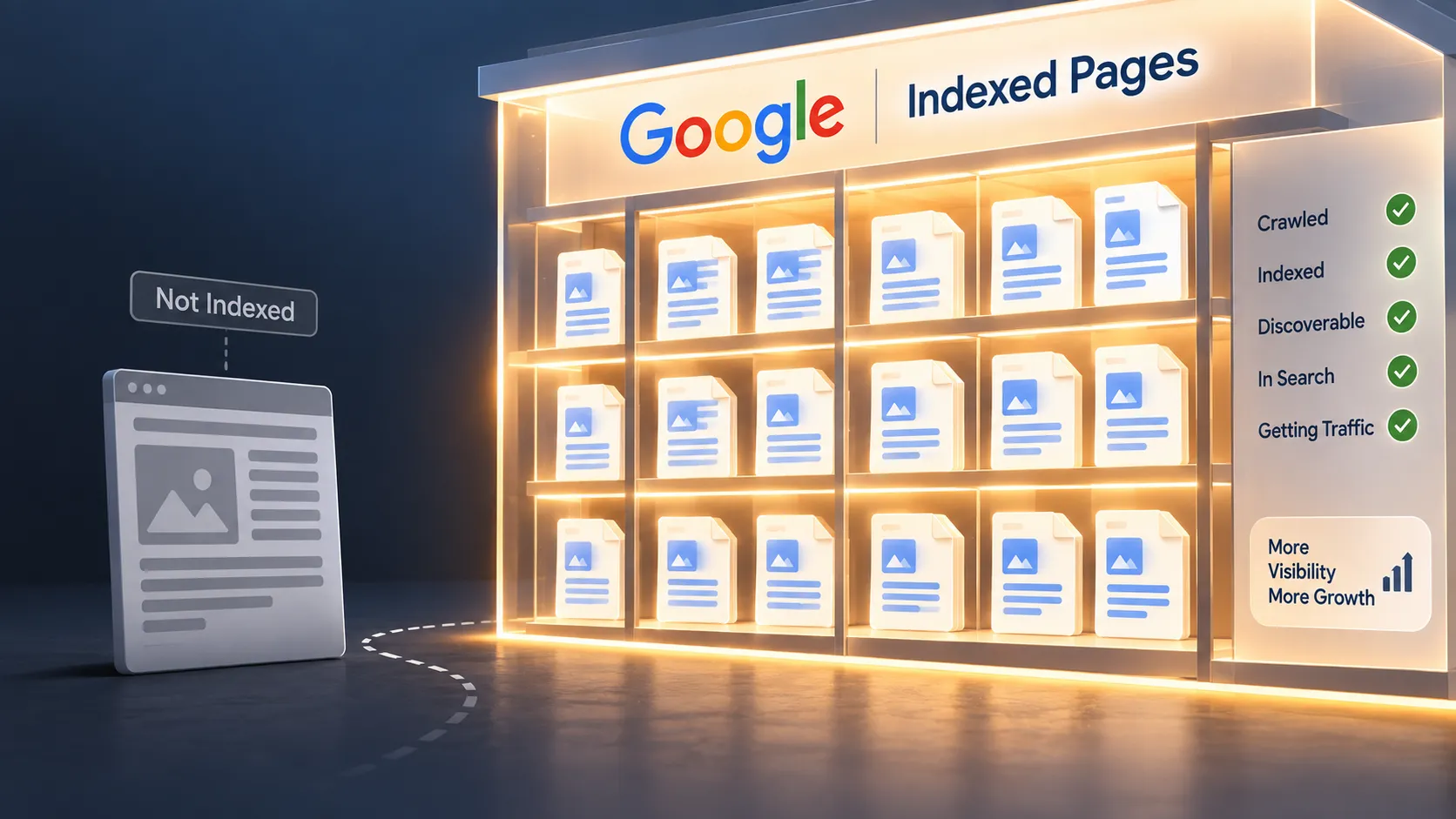
Why I Check Indexing First
When a website isn't ranking, it's tempting to immediately blame keywords, backlinks, or content quality.
I don't.
I first ask a much simpler question:
“Is Google actually indexing this page?”
If the answer is no, ranking isn't really the problem yet.
The page needs to become accessible to Google's indexing systems first.
This is also the first technical check I recommend in my broader guide, [Technical Reasons Your Website Isn’t Ranking on Google].
The Indexing Problems I Find Most Often
One of the most common issues I've seen is an accidental noindex directive.
This can happen when a staging website is launched and a setting that was meant to keep test pages out of Google remains active.
I've also found pages blocked through robots.txt, poorly handled canonical tags, and important pages with almost no internal links pointing toward them.
The last one is easy to overlook.
A page can technically exist, but if the rest of the website barely connects to it, discovery can become more difficult.
How I Check a Page in Search Console
My main tool here is Google Search Console.
I open URL Inspection and enter the exact URL.
Search Console can show whether Google has indexed the page and can provide information about crawling and indexing issues.
I also use a simple Google search such as:
site:yourdomain.com/page-url
I don't treat that search as a complete diagnostic, but it's a useful quick check.
What I Do When a Page Isn't Indexed
I don't immediately request indexing.
First, I try to understand why the page wasn't indexed.
I check:
- Is there a
noindexdirective? - Is the URL blocked from crawling?
- Is the canonical pointing somewhere unexpected?
- Is the page accessible?
- Does another page provide almost identical content?
- Does the page have useful internal links?
Once the underlying problem is fixed, I can request indexing through Search Console.
How Long Does Indexing Take?
There's no guaranteed timeline.
Sometimes a corrected page gets processed relatively quickly.
Other times, it takes longer.
That's why I don't treat “Request Indexing” as a magic button.
It asks Google to consider the URL for crawling; it doesn't guarantee immediate indexing.
For related technical issues, I also recommend checking [Reason #2 — Your Site Isn’t Mobile-Friendly Enough] and [Reason #3 — Your Site Is Too Slow] before assuming indexing is the only problem.


