




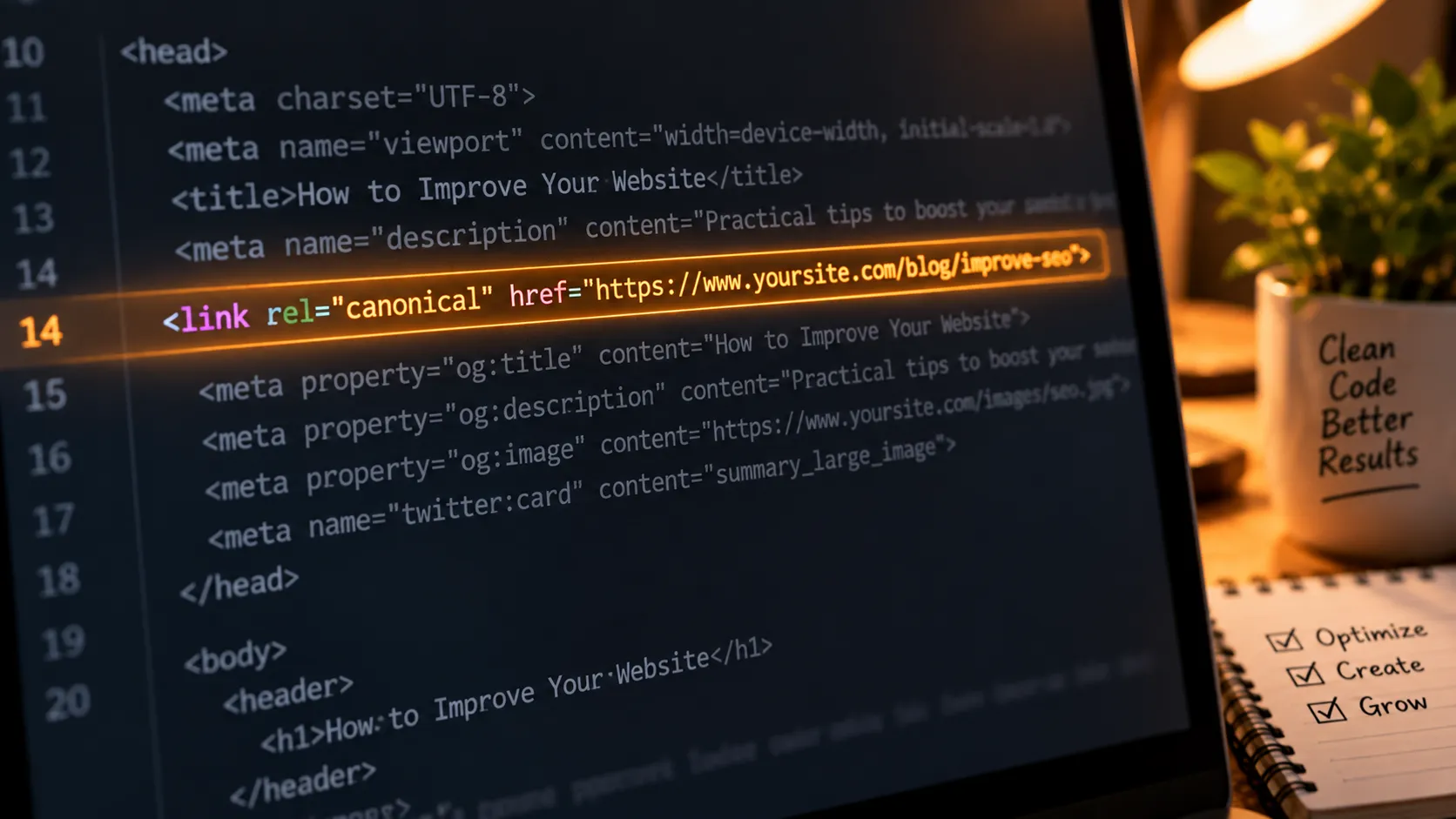
Sometimes the SEO problems that take the longest to find aren't complicated.
They're just easy to overlook.
That was exactly what happened with max-image-preview:large.
I'd already spent plenty of time improving content and images, so I assumed the technical side was fine.
Then I started looking more closely at how Google could display those images.
That's when I noticed the directive wasn't being applied properly across some pages.
What Does max-image-preview Actually Do?
In simple terms, this robots meta directive tells search engines that they're allowed to use a large image preview for the page.
For Discover, that's particularly relevant because large visual previews can be part of how articles are displayed.
Google's documentation recommends using max-image-preview:large to enable large image previews.
That doesn't mean adding the directive guarantees Discover traffic.
It simply removes a restriction that could otherwise limit image preview size.
How I Checked My Site
I didn't immediately start editing theme files.
First, I checked the page source and searched for:
max-image-preview
I wanted to know whether the directive existed and what value was being used.
If you're using WordPress, you may also be able to control related robots settings through an SEO plugin such as Yoast or Rank Math.
The exact settings depend on your setup, so I always recommend checking what your plugin actually outputs rather than assuming the setting is active.
What Happened After I Fixed It?
After correcting the setting, I monitored the affected pages in Search Console.
Discover impressions started appearing within the following days.
That got my attention.
But I wouldn't turn that into a universal SEO claim.
Discover is unpredictable, and plenty of factors influence whether a page gets surfaced.
For me, the important point was that I'd found a technical limitation that didn't need to exist.
And that made the rest of my Discover work more worthwhile.
I also combined this fix with better images and mobile performance improvements, which I discuss in [Technical + Semantic Fixes That Unlocked My Discover Impressions].
Why Small Technical Checks Matter
This experience changed my technical SEO checklist.
I used to spend most of my time thinking about rankings, keywords, and content.
Now I also ask a simpler question:
“Can Google actually present this content the way I expect?”
That question catches surprisingly small issues.


