




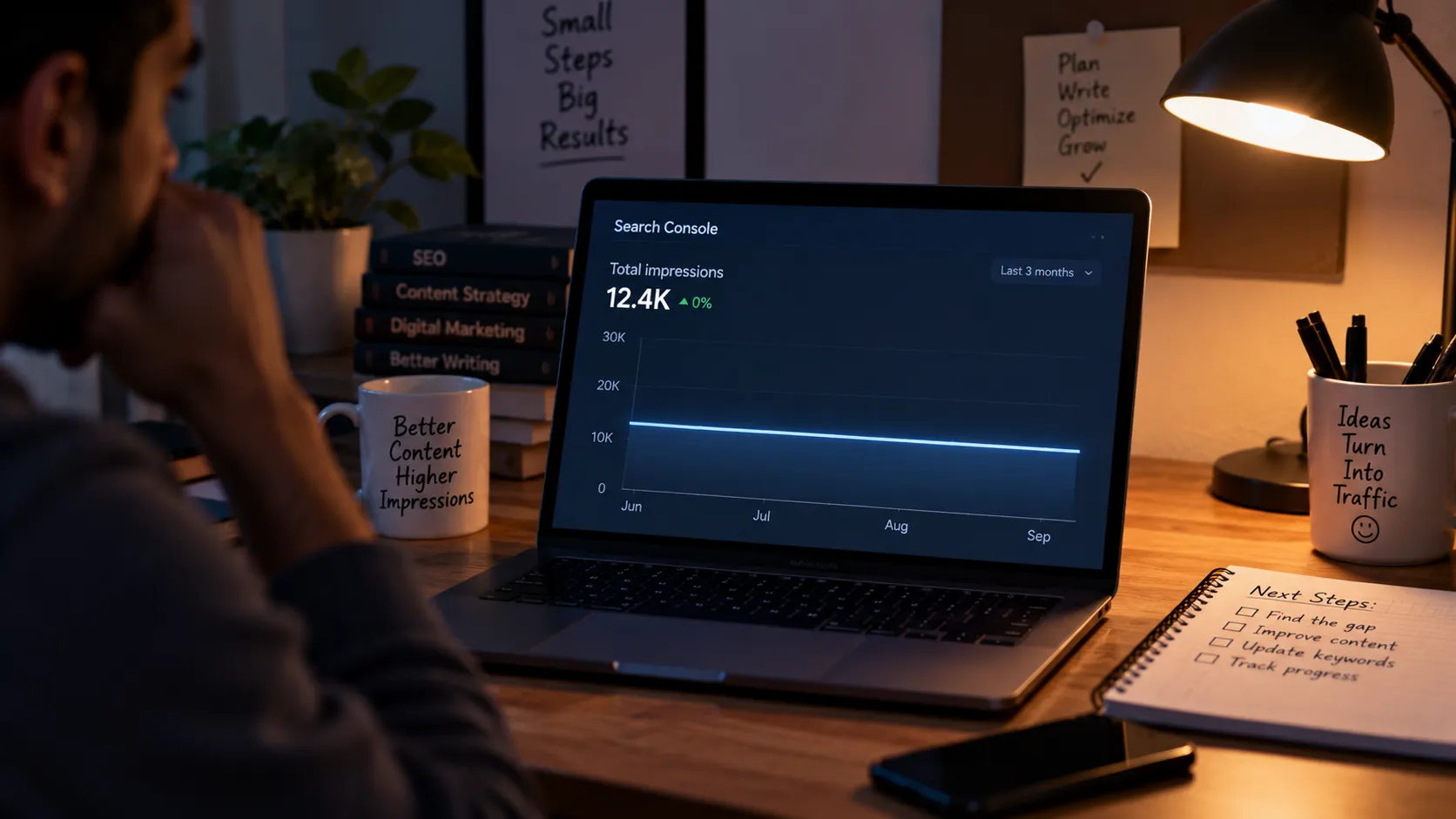
For months, I kept opening Google Search Console and seeing roughly the same story: my pages were getting some visibility, but not enough of it.
At first, I blamed the usual suspects.
Maybe the niche was too competitive. Maybe the algorithm had changed. Maybe the content simply wasn't good enough.
Eventually, I looked more closely at the actual search queries.
That changed the diagnosis.
Some of my pages weren't appearing for many variations around the topic. They were showing up for a small set of closely related searches and very little beyond them.
That made me realize something important:
Low impressions can sometimes be a content coverage problem, not simply a content quality problem.
First, Separate Impressions From Clicks
This distinction saved me from wasting time on the wrong fixes.
According to Google Search Console, an impression means your site appeared in a search result, while a click means someone clicked through to your site. CTR is calculated from clicks divided by impressions.
So:
- Low impressions: Your page isn't appearing often enough for relevant searches.
- High impressions + low CTR: People are seeing the page but aren't clicking often enough.
- High impressions + good CTR + low clicks: The underlying search volume may simply be limited.
I wrote more about this distinction in Impressions vs Clicks: The Confusion That Cost Me Months.
How I Diagnose a Low-Impression Page
I now use a simple four-step process.
1. Start With Google Search Console
Open the Google Search Console Performance report and look at the page over a meaningful date range.
Search Console lets you analyze performance by dimensions such as Queries, Pages, Countries, Devices and Search Appearance.
I don't just look at the big impressions number.
I look underneath it.
2. Check the Actual Queries
Select the Queries view and look at the terms generating impressions.
I'm asking:
- Are the queries closely related to my target keyword?
- Are there unexpected but relevant variations?
- Are users searching for subtopics I haven't covered?
- Is almost all visibility coming from one or two phrases?
Search Console itself recommends using query data to understand which searches are showing your site and to identify relevant opportunities.
3. Compare Pages, Not Just Numbers
Next, I compare the struggling page with similar pages on my own site.
One page might have a broader range of relevant queries while another is heavily concentrated around a single phrase.
That doesn't automatically mean the broader page is better.
But it gives me something useful to investigate:
What concepts, questions and related language does the stronger page cover that the weaker one doesn't?
That's where semantic analysis becomes useful.
4. Read the Page Like a Searcher
Finally, I reread the article without thinking about keywords.
Does it actually explain the topic?
Does it answer obvious follow-up questions?
Does it cover related concepts naturally?
Does the terminology sound like something an experienced person in that subject would actually use?
If every paragraph keeps repeating the same keyword, that's usually a warning sign.
Semantic Coverage Doesn't Mean Keyword Stuffing
This is where I initially got confused.
Expanding semantic coverage doesn't mean adding twenty keyword variations to every paragraph.
It means making the article more complete and contextually useful.
For example, an article about budget noise-cancelling headphones might naturally discuss:
- active noise cancellation
- battery life
- airplane travel
- microphone quality
- comfort
- wireless connectivity
- transparency mode
- earbud vs over-ear options
- price considerations
Those aren't necessarily "keywords to insert."
They're concepts that naturally belong to the subject.
A Simple Test I Use Now
Before rewriting a low-impression article, I ask:
If someone removed my target keyword from this article, would the topic still be obvious?
If the answer is no, the page may be too dependent on the exact phrase.
If the answer is yes, I then look for useful gaps: related questions, important subtopics, terminology, examples and comparisons that would make the article more complete.
Don't Rewrite Everything Immediately
This was another mistake I made.
A low-impression page doesn't automatically need a complete rewrite.
Sometimes the better approach is to preserve what already works and add the missing context.
I might:
- improve the introduction
- add a missing subsection
- answer related questions
- clarify terminology
- strengthen internal links
- improve heading structure
- add examples
- remove repetitive sections
Then I monitor whether the page begins appearing for a broader set of relevant searches.
The Diagnosis I Use Now
When impressions are stuck, I don't immediately ask:
"How do I get more traffic?"
I ask:
"For which relevant searches is this page currently visible, and what does that tell me about Google's understanding of the page?"
That's a much better starting point.
And if you want to understand exactly how I inspect that data, read How I Read My Search Console Impressions Report Differently Now.


