




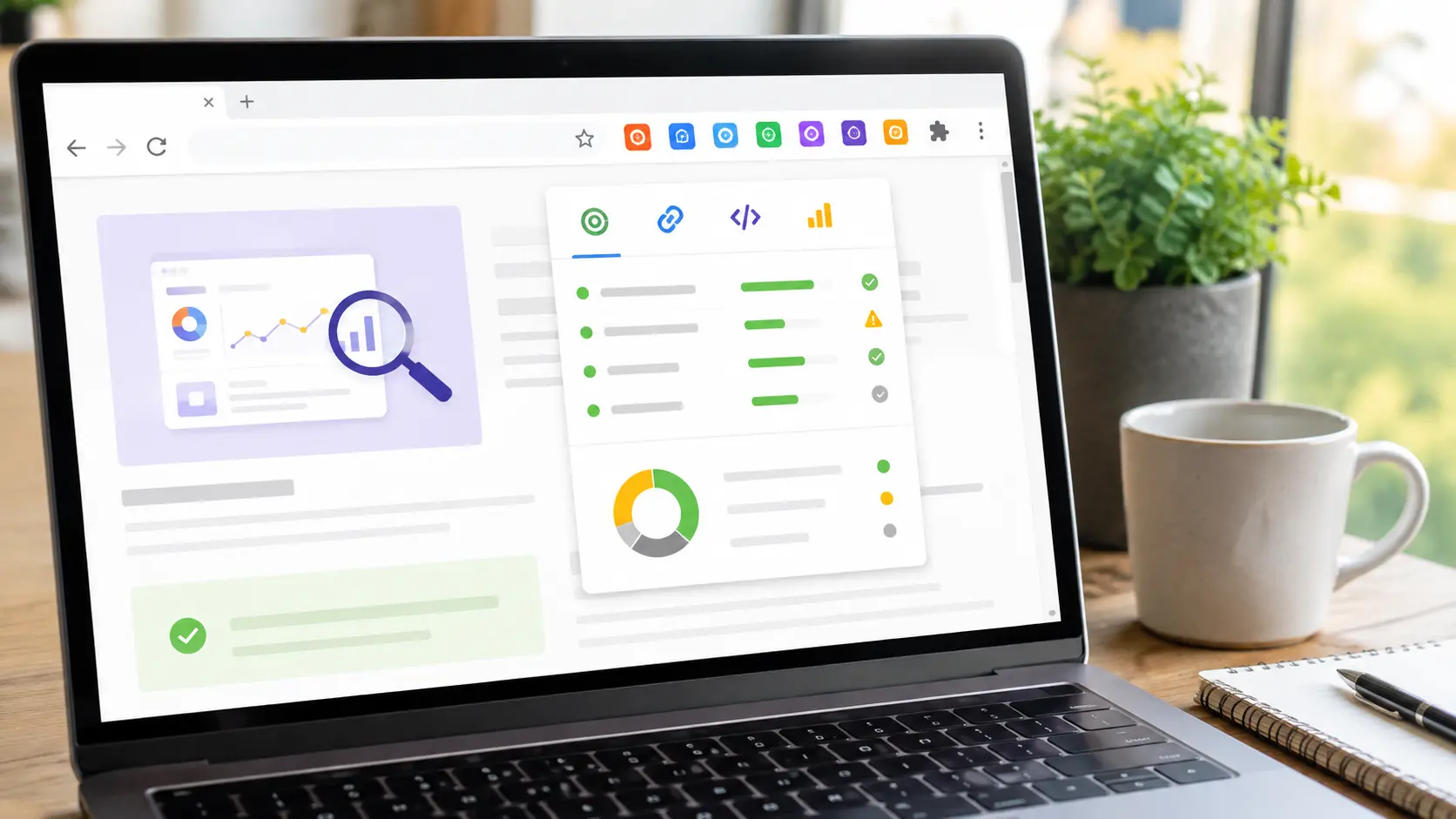
SEO audits don't always require expensive tools. With the right Chrome extensions, marketers can check important SEO elements directly from a webpage while researching competitors, reviewing content, or troubleshooting technical issues.
Here are some useful free SEO Chrome extensions to add to your toolkit.
1. SEO Meta in 1 Click
SEO Meta in 1 Click makes it easy to inspect a webpage's title tag, meta description, headings, images, links, and other on-page elements. It's useful when you want a quick SEO overview without opening a separate auditing platform.
2. Detailed SEO Extension
Detailed SEO Extension provides a quick look at important on-page SEO information, including headings, canonical URLs, meta tags, links, and structured data. It's particularly helpful for competitor research and content audits.
3. SEO Minion
SEO Minion offers several useful SEO features in one extension. You can use it to check broken links, analyze redirects, inspect hreflang tags, and perform other basic technical SEO tasks.
4. Lighthouse
Lighthouse, developed by Google, can audit webpages for performance, accessibility, SEO, and best practices. It's especially useful when you want a quick technical health check for a page.
For more detailed performance testing, you can also use Google PageSpeed Insights.
5. Keywords Everywhere
Keywords Everywhere helps marketers research keyword-related information while browsing supported search platforms. It can be useful for discovering keyword ideas and understanding search demand.
Keep in mind that third-party keyword data is generally an estimate rather than Google's exact search volume.
6. Redirect Path
Redirect Path helps identify HTTP status codes, redirects, and potential redirect chains. It's useful when checking website migrations, changed URLs, or unexpected redirect behavior.
7. Web Developer
The Web Developer extension provides a collection of tools for inspecting and troubleshooting webpage elements. SEO professionals can use it to disable JavaScript, inspect page elements, and investigate technical issues.
8. User-Agent Switcher
A User-Agent Switcher can help developers and SEO professionals test how webpages respond to different browsers or user-agent configurations. It can be useful when investigating rendering or crawling-related issues.
How to Build Your SEO Chrome Toolkit
You don't need to install dozens of extensions. Start with tools that cover your most common tasks:
- On-page SEO: SEO Meta in 1 Click
- Detailed analysis: Detailed SEO Extension
- Technical checks: SEO Minion
- Performance: Lighthouse
- Keyword research: Keywords Everywhere
- Redirect testing: Redirect Path
Use browser extensions for quick checks and dedicated SEO platforms for deeper analysis and reporting.
Final Thoughts
Free SEO Chrome extensions can save marketers considerable time. They make it possible to check titles, headings, links, redirects, performance, and other SEO signals while browsing a website.
For the best results, combine these extensions with tools such as Google Search Console, Google PageSpeed Insights, and Google Analytics. Chrome extensions are excellent for quick checks—but a complete SEO strategy still requires deeper data, analysis, and human judgment.


