




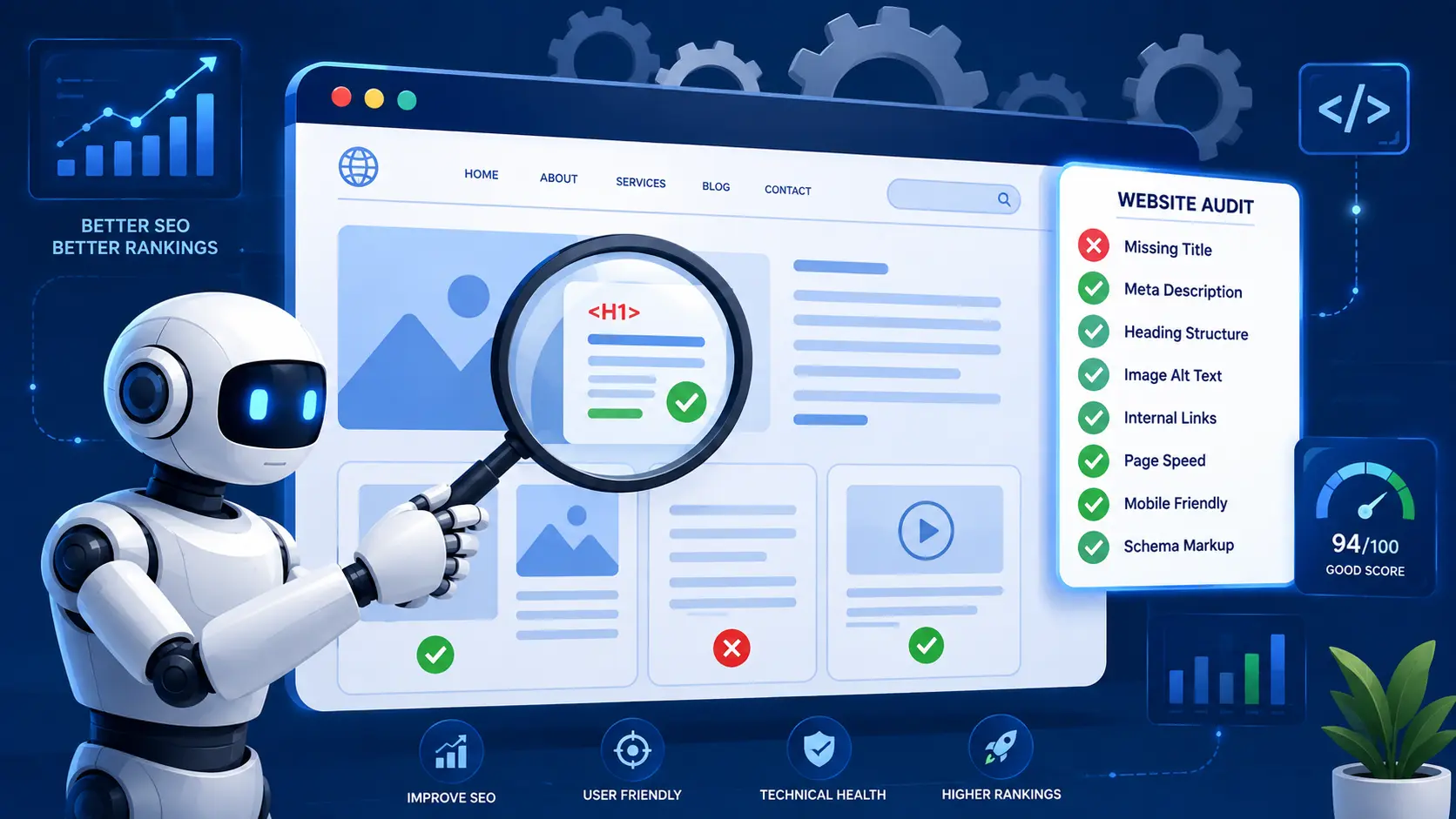
Best AI Tools for Technical SEO Audits in 2026
Technical SEO issues quietly kill rankings — broken links, slow load times, crawl errors. AI-powered audit tools now catch these problems automatically and even suggest fixes in plain English.
Why Technical SEO Still Matters in 2026
Even the best content won’t rank if Google can’t crawl or load your site properly. AI audit tools prioritize issues by real ranking impact, not just a long checklist.
Top AI Technical SEO Tools
Ahrefs Site Audit uses AI-driven prioritization to flag the highest-impact issues first. Screaming Frog with AI plugins automates large-scale crawl analysis. SE Ranking’s AI Audit explains errors in simple language for non-technical marketers. Diib offers automated health scores and fix recommendations for small business sites. Google Search Console’s AI insights (via Search Console Insights) highlight indexing and Core Web Vitals issues automatically.
What to Fix First
AI audit tools typically flag Core Web Vitals, broken internal links, duplicate content, and missing structured data as top priorities — fix these before chasing minor issues.
How Often to Audit
Run a full AI-assisted audit monthly, and set up automated alerts for critical errors like server downtime or sudden indexing drops.
How AI audit tools differ from traditional crawlers
Traditional crawlers list every issue they find, which can mean thousands of warnings on a medium-sized site. AI features add a layer on top: they group related problems, estimate which ones affect the most important pages, and explain fixes in plain language. Some can also suggest code changes, such as a corrected redirect rule or structured data block. The underlying crawl is the same; the difference is in how quickly you can decide what to do.
Running an AI-assisted audit step by step
- Start with Search Console. Note indexing problems in the Page indexing report and failing groups in the Core Web Vitals report. This is Google's own view of your site.
- Crawl the site. Set the crawler to render JavaScript if your site relies on it, and crawl as a mobile user agent.
- Connect data sources. Link Search Console and analytics to the crawler so issues can be ranked by real traffic.
- Review the AI-prioritised list. Check the top 10–20 issues manually before acting. AI prioritisation is a starting point, not a final decision.
- Create tickets. Write each fix as a clear task for your developer, with example URLs and the expected result.
- Re-crawl after fixes to confirm they worked and didn't create new problems.
Issues AI tools often get wrong
- Intentional noindex or canonical tags flagged as errors, for example on filtered pages you deliberately keep out of the index.
- Thin content warnings on pages that are short by design, such as contact pages.
- Generic speed advice that doesn't match your platform or hosting setup.
- Outdated recommendations, such as using tools or reports Google has retired.
Always check a few example URLs before applying a suggested fix site-wide.
A priority order that works for most sites
- Pages that should be indexed but aren't (noindex, robots.txt blocks, wrong canonicals).
- Server errors, redirect loops and broken internal links on important pages.
- Duplicate content and keyword cannibalization.
- Core Web Vitals on high-traffic templates.
- Structured data errors, image optimisation and minor warnings.
Our technical SEO audit guide explains each step in more depth.
What to look for when choosing a tool
- JavaScript rendering: essential for React, Next.js and other JavaScript-heavy sites.
- Crawl limits: make sure the plan covers your total number of URLs, including parameters.
- Scheduled crawls and alerts: so you're warned about problems after a release.
- Search Console and analytics integration: so priorities reflect real traffic.
- Clear exports: for sharing tasks with developers.
Keep humans in the loop
AI audit tools save time, but they can't see your business priorities, upcoming launches or the reasons behind past decisions. Use them to find and explain problems quickly, then let someone who knows the site decide what to fix first.
Final Thoughts
Technical SEO is invisible until it breaks rankings. AI audit tools make it possible for even non-technical marketers to catch and fix issues before they cost traffic.


